Know before you go

Your essential pre-show checklist.

Use the menu to jump to the section most relevant to you

Before the show

Exhibitor information

  1. Sign in to review your buyer meetings. Contact the buyers before the show to discuss their requirements and prepare for productive meetings.


  1. Use free lead scanning in the IMEX Events App. We recommend testing it in the app before the show so you know how it works. View the instructions.


  1. Exhibitor help

Watch our recorded webinars

Explore our exhibitor help resources

  1. Exhibit hall opening times
    Exhibitors should be at their booth by 9am. Meetings begin at 10am. View full opening hours.
  1. Read our accessibility information
  1. Read and support the IMEX code of conduct


  1. Sign in to review your show schedule

We recommend syncing your schedule to Outlook or Gmail using Sync to Calendar and downloading a PDF using Export Data to print or save on your phone.

Before the show

Hosted buyer information

  1. Help guides

Watch our quick help videos for hosted buyers

View the full help section

  1. The IMEX Events App, sponsored by Visit California

Download the IMEX Events app to manage your schedule and stay up to date throughout the show.

  1. Travel, transfers, accommodations

Sign in to check your accommodations. View airport transfers and show shuttles.

  1. Exhibitor Directory

Sign in to search the Exhibitor Directory and book your meetings before you arrive.

  1. Sign in and contact exhibitors you’ve booked meetings with to discuss your requirements before the show. You can also message other buyers pre-show.
  1. Meeting etiquette

Check for schedule conflicts and don’t ghost. If you’ve overbooked or are running late, send a message.


  1. Print your full-size color badge using the link in your badge email

No badge email? Check your junk and clutter folders, then let us know. To update your badge, sign in and select Edit Your Badge to receive a new badge email.

  1. Exhibit hall opening times
    Buyers and attendees should plan to enter the hall from 9:30am. Meetings begin promptly at 10am. (The Hosted Buyer Lounge opens at 8am.) View full opening hours.
  1. Read our accessibility information
  1. Read and support the IMEX code of conduct
  1. Sign in to review your show schedule


We recommend syncing your schedule to Outlook or Gmail using Sync to Calendar and downloading a PDF using Export Data to print or save to your phone.

Before the show

Buyer attendee information


  1. The IMEX Events App, sponsored by Visit CaliforniaDownload the IMEX Events app to manage your schedule and stay up to date throughout the show.
  1. Exhibitor Directory

Sign in to search the Exhibitor Directory and book your meetings before you arrive.

  1. Sign in and contact exhibitors you’ve booked meetings with to discuss your requirements before the show. You can also message other buyers pre-show.
  1. Meeting etiquette

Check for schedule conflicts and don’t ghost. If you’ve overbooked or are running late, send a message.


  1. Print your full-size color badge using the link in your badge email

No badge email? Check your junk and clutter folders, then let us know. To update your badge, sign in and select Edit Your Badge to receive a new badge email.

  1. Exhibit hall opening times
    Buyers and attendees should plan to enter the hall from 9:30am. Meetings begin promptly at 10am. View full opening hours.
  1. Read our accessibility information
  1. Read and support the IMEX code of conduct
  1. Sign in to review your show schedule


We recommend syncing your schedule to Outlook or Gmail using Sync to Calendar and downloading a PDF using Export Data to print or save it to your phone.

Before the show

Participant information

  1. The IMEX Events App, sponsored by Visit California

Download the IMEX Events app to manage your schedule and stay up to date throughout the show.

  1. Exhibitor Directory

Search the Exhibitor Directory to view the full exhibitor line-up.

  1. Print your full-size color badge using the link in your badge email

No badge email? Check your junk and clutter folders, then let us know. To update your badge, sign in and select Edit Your Badge to receive a new badge email.

  1. Exhibit hall opening times


Buyers and attendees should plan to enter the hall from 9:30am. View full opening hours.

  1. Read our accessibility information
  1. Read and support the IMEX code of conduct
  1. Sign in to review your show schedule


We recommend syncing your schedule to Outlook or Gmail using Sync to Calendar and downloading a PDF using Export Data to print or save to your phone.

AT THE SHOW

All participant information

Learning, giving back and staying in the know on the go

  1. Wi-Fi sponsored by Visit Anchorage


Free Wi-Fi is available throughout the show.


Network: IMEX 2026

Password: Alaska!! (case sensitive)


Exhibitor Wi-Fi network available. Sign in for details.


Personal hotspots can disrupt the Wi-Fi system. Please turn yours off during IMEX America to help provide the best possible service for everyone.

  1. Education and event program


Search the program for learning, networking, tours and more. Sign in to add your favorites to your schedule.

  1. Snapsight summaries
    We’re partnering with Snapsight to bring key takeaways straight to your phone. Attending a session at the Inspiration Hub? Scan the QR code for a real-time summary.
  1. IMEXscoop
    Bookmark IMEXscoop to stay in the know throughout the show.
  1. Minimize waste
    Bring a reusable cup and water bottle to refill at free water stations throughout the show.
  1. Make a donation
    Help us make a difference by supporting the industry and Las Vegas charities we're proud to work with.
  1. Take our People and Planet Pledge for individuals.
  1. First time at IMEX?

Browse our first timer’s guide

  1. FAQsRead our FAQs

Download the IMEX Events App

Sponsored by Visit California. Have essential information at your fingertips, including:

  • A full floor plan
  • Lead scanning (available to exhibitors and buyers)
  • Education and activities listings
  • Exhibitor Directory
  • IMEXscoop
  • Attendee list (available to exhibitors and buyers)
  • Show information
  • Food and beverage information
  • Education summaries by Snapsight
  • Your profile and messages
  • Your schedule
  • Rate your meetings (buyers and exhibitors only)
App store
Google play

Test free lead scanning in the IMEX Events App

Before the show, we recommend exhibitors test free lead scanning:

  • Sign in to the IMEX Events App
  • Click 'Scan Badges'
  • Hold your phone's camera over the test badge QR code
  • Open your company profile and scroll down to view your leads list. The test badge you just scanned will appear in your leads list. The lead will also appear in your Leads Download file, which can be downloaded on the web or in the app.


Not working correctly? Make sure you're using the latest version of the IMEX Events App.

Related pages

Card image

Attending IMEX for the first time?

Browse our first timer guide.

Discover more
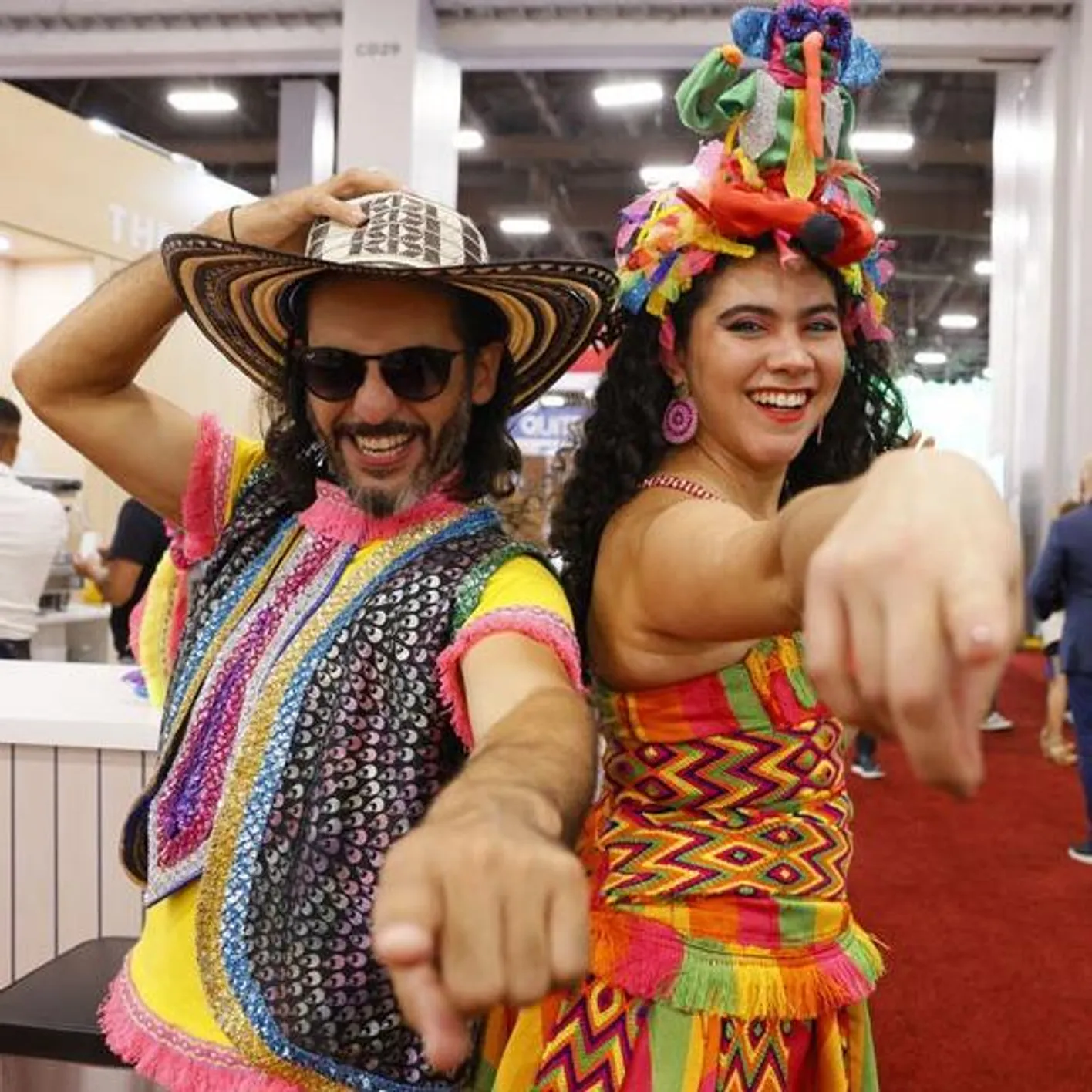
Two people in traditional costume pointing and smiling at the camera

Show amenities and features

Discover the A-Z of amenities and features at the show including Accessibility information, coffee locations, coat and bag check, Wi-Fi and much more.

Access amenities info
Checklist